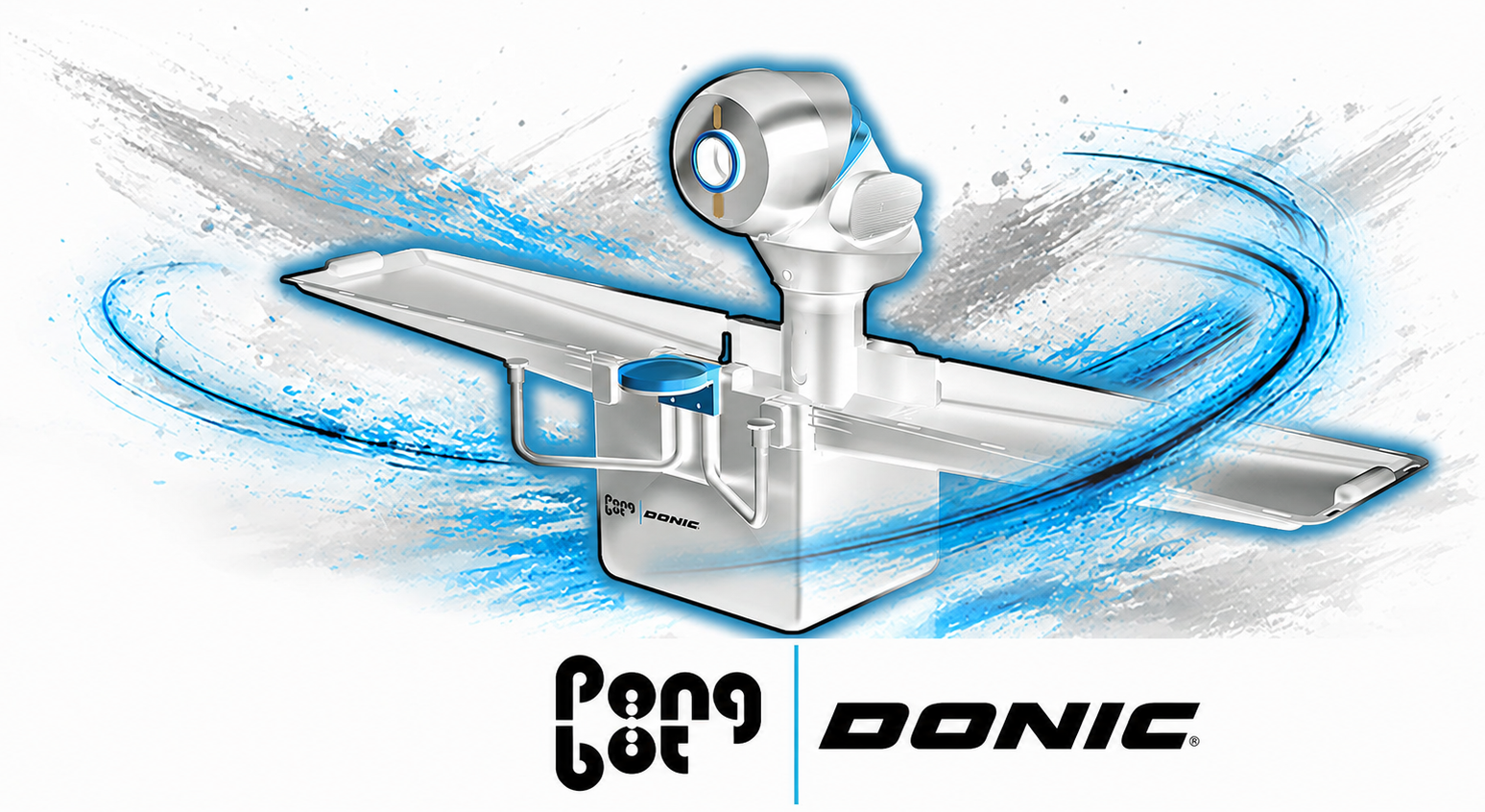
Pongbot Nova S Pro owners' review and discussion thread

This user has no status.
Sorry if this is discussed already. I must missed it or forgot about the details - this post is so long.

For all the pre-set drills, I must place the robot at a certain location with a certain orientation right? How do I know where to put it. Or how should I calibrate it?
Dont know about others. Mine is for position 8.
 
This user has no status.
@olanga is there maybe an Export bug in the webclient? I worked yesterday on my drills because some of them Was too long and didnt hit the table. I found out that Height under 40 works better especially with more speed and topspin. After calibrating the drills I Exported the csv with your webclient. The new generate csv has totally other Numbers. Height for example is after Export always 50. But before Export it was 36. Just wonder if that effect others when I share them
 
This user has no status.
Member
Jul 2021
11
7
75
@olanga is there maybe an Export bug in the webclient? I worked yesterday on my drills because some of them Was too long and didnt hit the table. I found out that Height under 40 works better especially with more speed and topspin. After calibrating the drills I Exported the csv with your webclient. The new generate csv has totally other Numbers. Height for example is after Export always 50. But before Export it was 36. Just wonder if that effect others when I share them
we really should start a new thread for olanga's app...I am a big fan, it would be nice to split it off from here to discuss separately though.
 
This user has no status.
Member
Feb 2018
154
73
374
Read 3 reviews
Training with this robot on midi table at home, made my backhand drive very solid. I became better at opening half long balls even on wide angle. I became better at varying spin, speed and placement.

I enjoy training half long and short balls on FH side. This was the second best improvement i have experienced with robot training. I sometimes do half an hour BH drive, loop, half long and half an hour short and half long balls on FH w/o sidespin/backspin/slight-topspin. I set the robot for these typeshots mostly one placement with one type of spin. The more I play, the more I become comfortable with such type of shot. This gives me somehow joy, instead of being bored of doing same thing at long period of time. But I must admit that the balls I am using Weixing*** or something, pretty like egg, which makes the training in variation by default :)

Because I don't have enough motivation at home on training FH drive and FH Loop etc, those are stayed still at an OK level. Because I complete(!) some areas of my training at home, I focus FH on training at the club.

To get the best out of the robot training, when I do it at home before the training/league match at the club on the same day.
 
This user has no status.
Member
Nov 2015
44
13
60
My unit finally arrived and got to test it out last night, everything worked "fine" i guess but ive got a couple of questions if anybody could help me.
-First, is there a way to "unload" the remaining balls in the mechanism? like there are around 8 balls that always stay inside the robot(havent tinkered with the robot so it may be something obvious haha)
-Second, for whatever reason if i use the "stock" drills, most balls end up flying over the table. is this normal? i had to "calibrate" most drills i used to 10 short and they still landed really close to the edge.
-And lastly, any ideas on a DIY Catch net? :ROFLMAO: testing it out was cool, having to pick up balls after almost every round wasnt tho
 
  • Haha
Reactions: plunder
This user has no status.
Member
Nov 2025
45
20
68
My unit finally arrived and got to test it out last night, everything worked "fine" i guess but ive got a couple of questions if anybody could help me.
-First, is there a way to "unload" the remaining balls in the mechanism? like there are around 8 balls that always stay inside the robot(havent tinkered with the robot so it may be something obvious haha)
-Second, for whatever reason if i use the "stock" drills, most balls end up flying over the table. is this normal? i had to "calibrate" most drills i used to 10 short and they still landed really close to the edge.
-And lastly, any ideas on a DIY Catch net? :ROFLMAO: testing it out was cool, having to pick up balls after almost every round wasnt tho
regarding first: there is no unload-function! but this is only useful, if you want to exchange the balls.
 
says rejoicing in rbpon 🆚 robipon
Member
Sep 2024
355
210
1,193
Read 2 reviews
so ... how's everyone been doing .. with the Nova S Pro? 😇

Here's an exceptional video quality production on using the robot at top skill level. I am bad at estimating the rating of players (after the geman ttr scale) but this Finnish guy looks to me like above 2000ttr 🤷‍♀️ . Anyway, he shows the "correct" settings at 2000ttr level to use for Ball Height (~22.0) and for Frequency (~80%) when creating Custom Drills, and that it is, basically, not necessary to have drills which vary the Ball Height within the drill itself. Why? Because at 2000ttr level, all incoming balls have to be low over the net ... otherwise you could smash them. As we all know, the Ball Height of all Programmed Drills balls is too high (~50.0), which is why the app allows us to lower it before starting the drill ("Calibration") or during the drill iirc. Ball Height = 50.0 is simply a joke, these are invitations for smashing strokes, too easy ballz.

Enjoy the fantastic video and doht forget to subscribe to his channel:

Meanwhile, i'll continue exploring the superiority of the Omni S Pro 😍. (Yes i had bought the Omega, 3 units of the Nova, and now also the Omni, and guess what? which i like the most.)

 
Last edited:
This user has no status.
Member
Sep 2023
5
3
8
Hello: I'm new to the Nova S Pro. I hope someone can provide some help. I've been having problems getting the robot to land the ball on the table. Even when I calibrate the preprogrammed drill to -10 on the short/long axis, the ball still flies off the table. Is there an easy fix for this?
thanks for any help you all can provide.
--Moretti
 
says rejoicing in rbpon 🆚 robipon
Member
Sep 2024
355
210
1,193
Read 2 reviews
Even when I calibrate the preprogrammed drill to -10 on the short/long axis, the ball still flies off the table. Is there an easy fix for this?
Hello, from which DOM is your unit? And which exact preprogrammed drill do you mean (all specifics so that we can test the identical drill on our units)?
 
This user has no status.
Member
Sep 2023
5
3
8
The date of manufacture on mine is 2026.03 On the preprogrammed drills, drive (B), drive (F), Loop (B) and Loop (F) all go off the table, even when, on the calibration screen, I have the "shorter and longer" setting on -10.
Push (B) and Push (F) are on the table with the "shorter and longer" setting on 0.

Also, on the graphic that appears on the calibration screen, there is no depiction or visualization of where the ball is supposed to drop, no matter what settings i adjust on the "short court and long court" scale or on the "left and right" scale

This morning i tried a what seems a counterintuitive approach: instead of setting the "shorter and longer" setting to -10 to prevent the balls flying off the edge of the table, I tried a positive number.
Here are the results:
Loop (B) +4 off table
 
  • Love
Reactions: plunder
This user has no status.
Member
Sep 2023
5
3
8
The date of manufacture on mine is 2026.03 On the preprogrammed drills, drive (B), drive (F), Loop (B) and Loop (F) all go off the table, even when, on the calibration screen, I have the "shorter and longer" setting on -10.
Push (B) and Push (F) are on the table with the "shorter and longer" setting on 0.

Also, on the graphic that appears on the calibration screen, there is no depiction or visualization of where the ball is supposed to drop, no matter what settings i adjust on the "short court and long court" scale or on the "left and right" scale

This morning i tried a what seems a counterintuitive approach: instead of setting the "shorter and longer" setting to -10 to prevent the balls flying off the edge of the table, I tried a positive number.
Here are the results:
Loop (B) +4 off table, +8 on the table
Loop (F) +4 off table; +8 one on the table and one off the table; +10 on the table
Drive(B) +4 on the table
Drive (F) +4 on the table
 
  • Love
Reactions: plunder
This user has no status.
Member
Sep 2023
5
3
8
Update re balls flying off the table:
On the screen titled "Tabletop Mode," there is a "settings" icon in the upper right corner. Tapping on that gets you to the "Settings" screen. There is an option titled "programmed drill calibration." Apparently during an earlier struggle with the app, I had attempted to prevent balls flying off the table by setting "shorter and longer" to -10 (thinking that negative was shorter). This morning I changed that setting to +5. Then when I went back to the various preprogrammed drills, the balls were hitting on the table with settting that previously sent the balls flying off.
 
  • Like
Reactions: plunder
Top